
Maintenance and mileage
Mileage
Section titled “Mileage”The Odometer history block keeps the odometer readings with the date and the source (by hand or from GPS). Press Record reading to add a new reading; Correct fixes one entered wrongly.
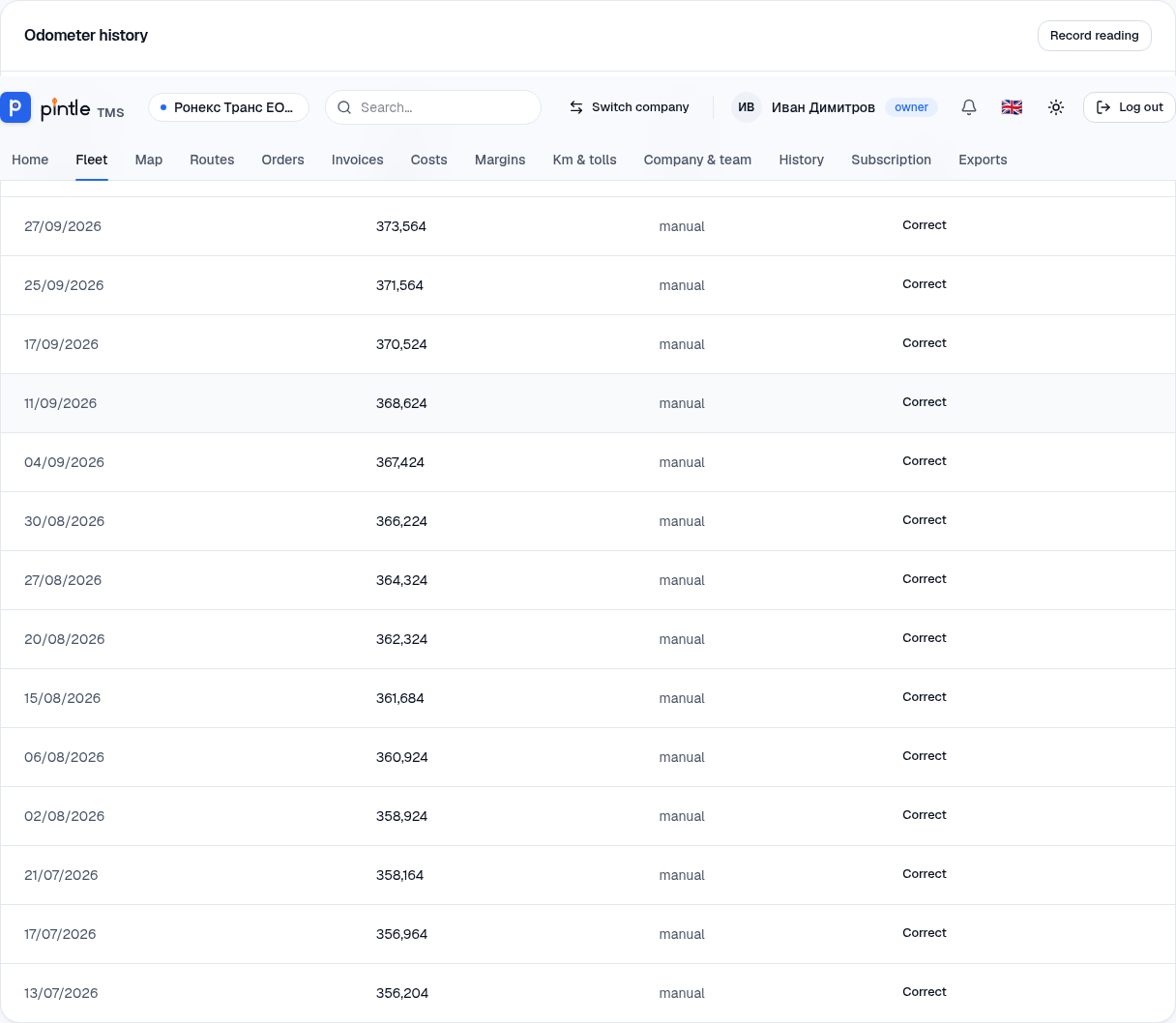
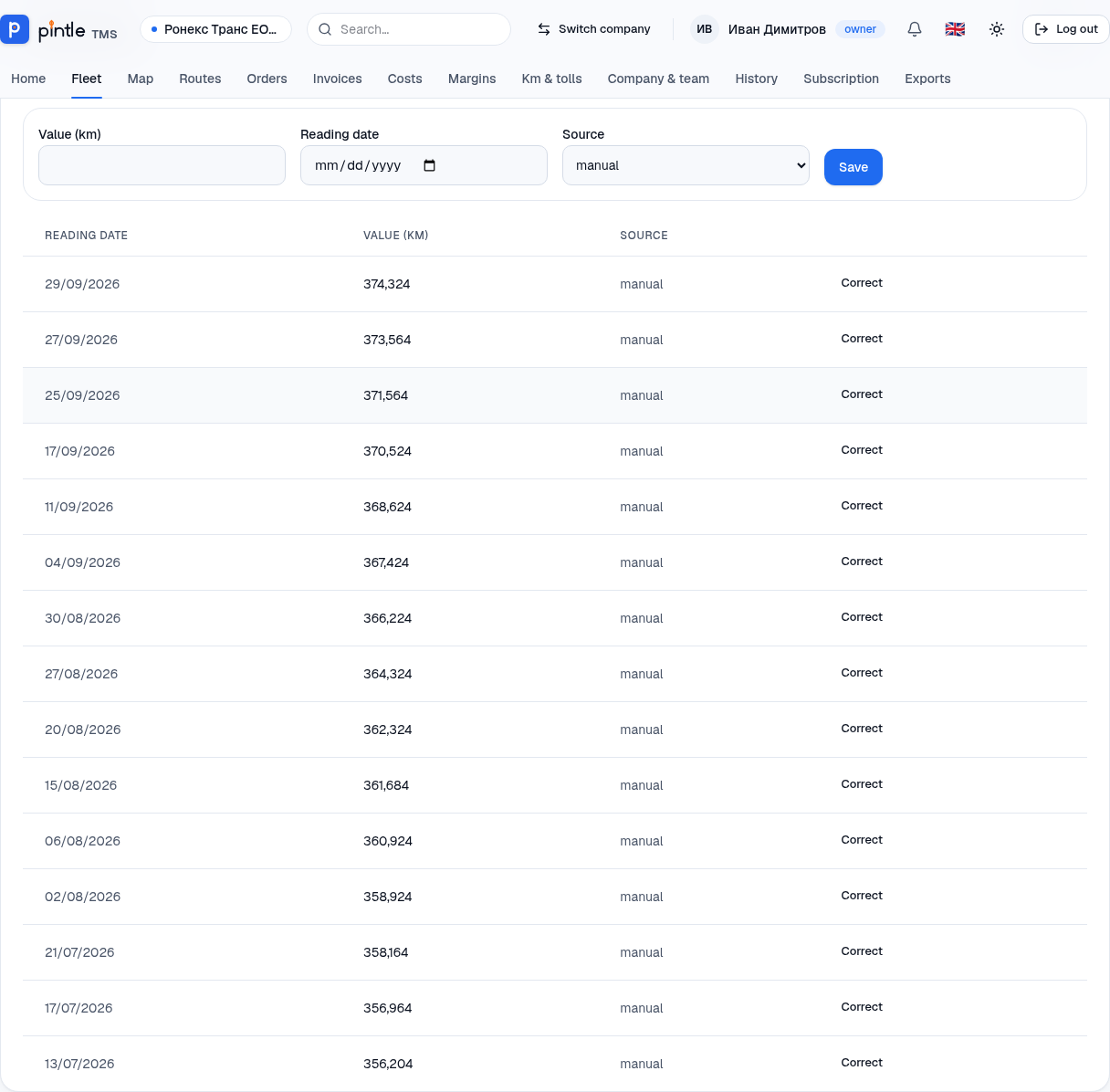
Mileage is used for service reminders and for cost-per-kilometre calculations.
Maintenance
Section titled “Maintenance”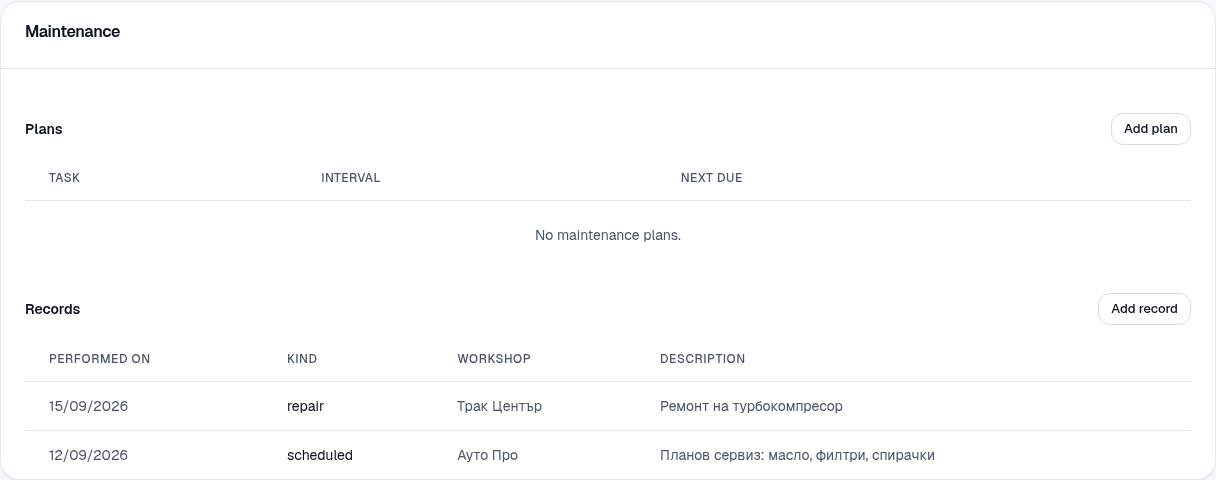
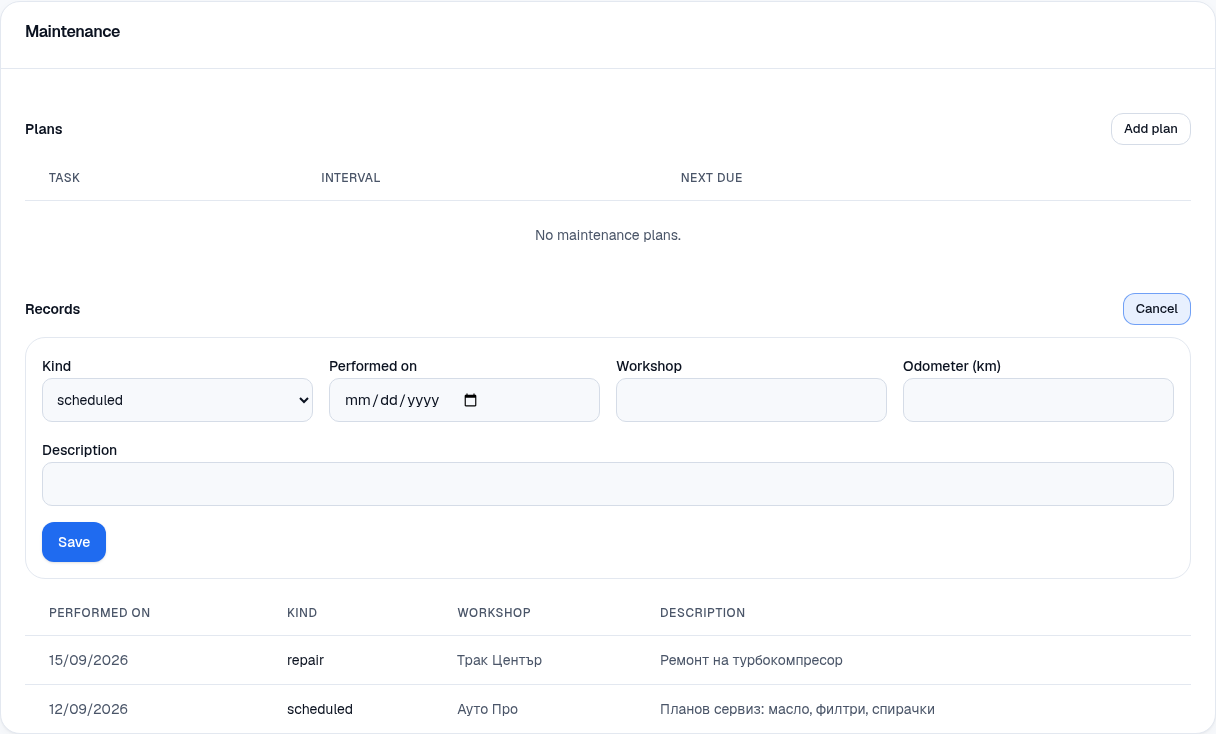
- Plans — recurring tasks (oil change, filters, belts…) with an interval in kilometres and/or months. The system works out the next service.
- Records — what has been done: date, kind (scheduled maintenance or repair), workshop and description.
- In Maintenance press Add plan. Choose a Task (e.g. an oil change) and enter the Interval in kilometres and/or months.
- After a service press Add record: Kind (scheduled or repair), Performed on, Workshop, Mileage and Description.
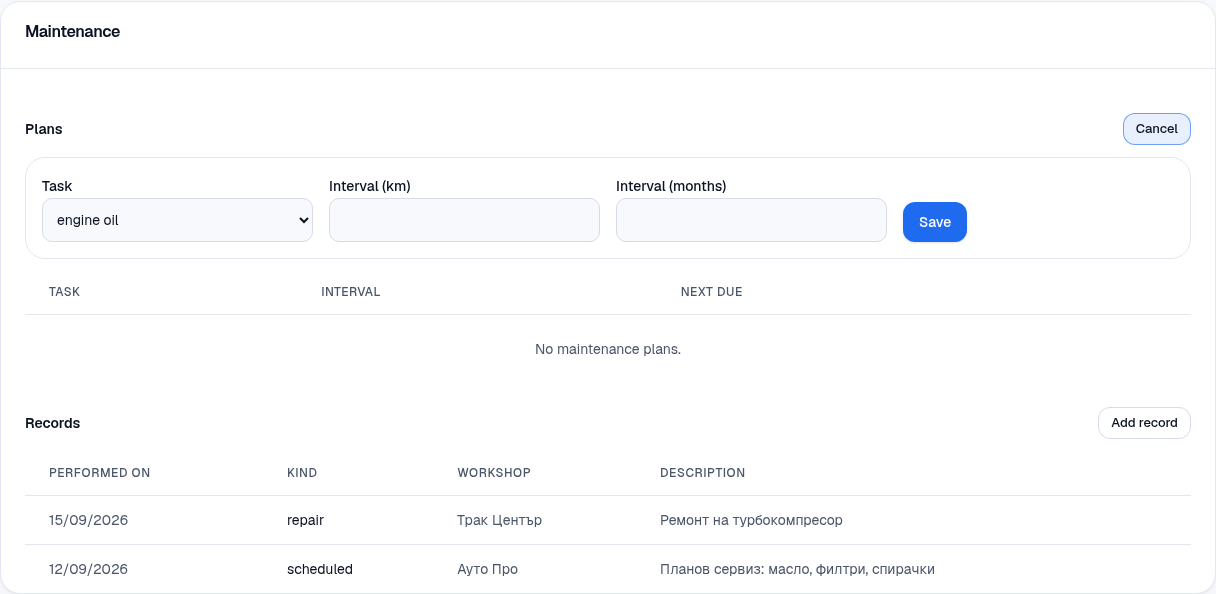
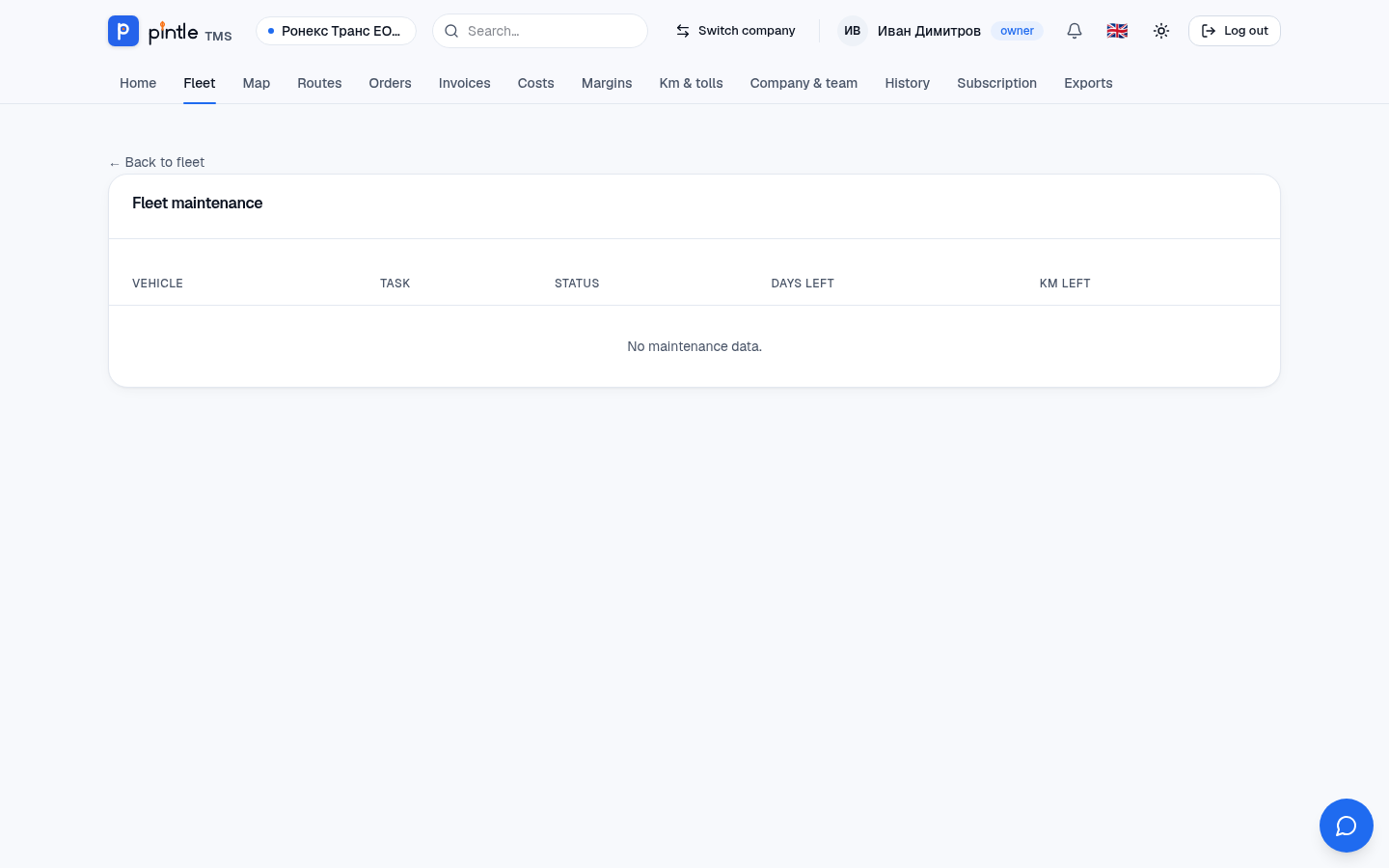
Fleet → Maintenance gathers all upcoming services in one place.
Photos of the condition
Section titled “Photos of the condition”The Photos block on the vehicle’s page is for damage, the cab and the cargo space. Upload photos with an optional note — useful for damage and disputes.