
Routes and GPS
Planning a route
Section titled “Planning a route”A route for a truck is not like one for a car: height, weight, axles and ADR matter. Routes works the road out from the real dimensions and weight of the chosen truck and the hitched trailer.
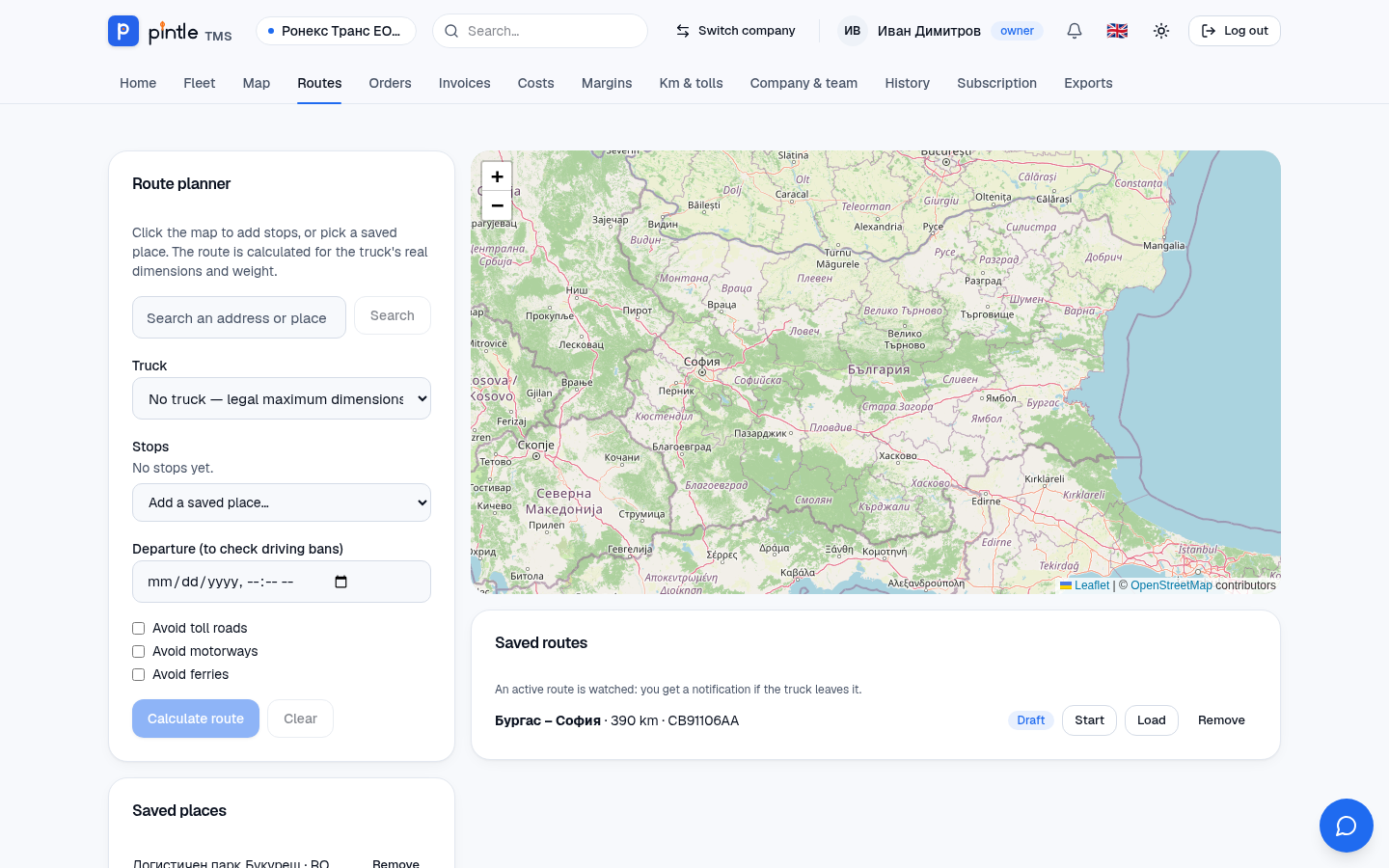
- Open Routes.
- Choose a Truck — or “no truck”, so that the legal maximums are used.
- Add stops: by clicking on the map, by searching for an address or from Saved places.
- If you wish, set a departure (to check bans) and exclude toll roads, motorways or ferries.
- Press Calculate route. You see the distance and the kilometres by country (and the toll kilometres).
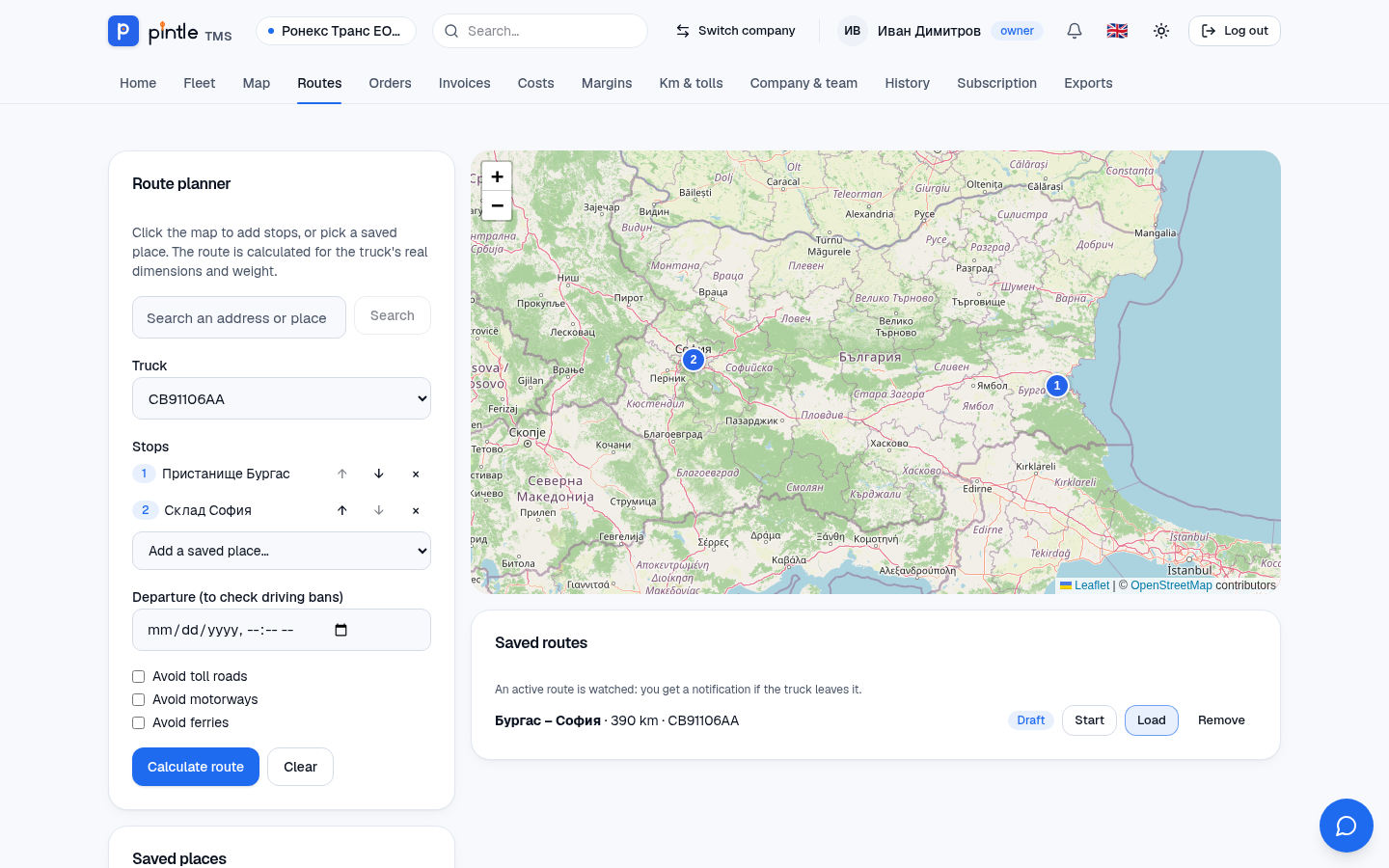
Planned routes are kept in Saved routes — one active per truck. Next to each there are buttons: Load (brings it back to the map), Start (makes it active — from that moment it is watched for deviation) and Remove. A route can be linked to a course with the Plan route button of the course and then follows its stages.
Saved places
Section titled “Saved places”Warehouses, customers and garages are recorded as saved places with coordinates. An address confirmed by a driver is added as a place by itself. The places are suggested on a new order.
Navigation
Section titled “Navigation”For navigation the route opens in Google Maps or Waze. They route as for a car — the application says so clearly, so for the truck use our route.
Driving bans and alerts
Section titled “Driving bans and alerts”- Truck driving bans by country (a calendar of bans): checked against the departure time.
- An alert when a ban is broken, if the GPS position shows a truck where it must not be.
- An alert on deviation from the planned route for a course on the way.
Alerts arrive as notifications. For trucks exempt from bans, tick Exempt from driving bans in the vehicle’s data.
GPS positions
Section titled “GPS positions”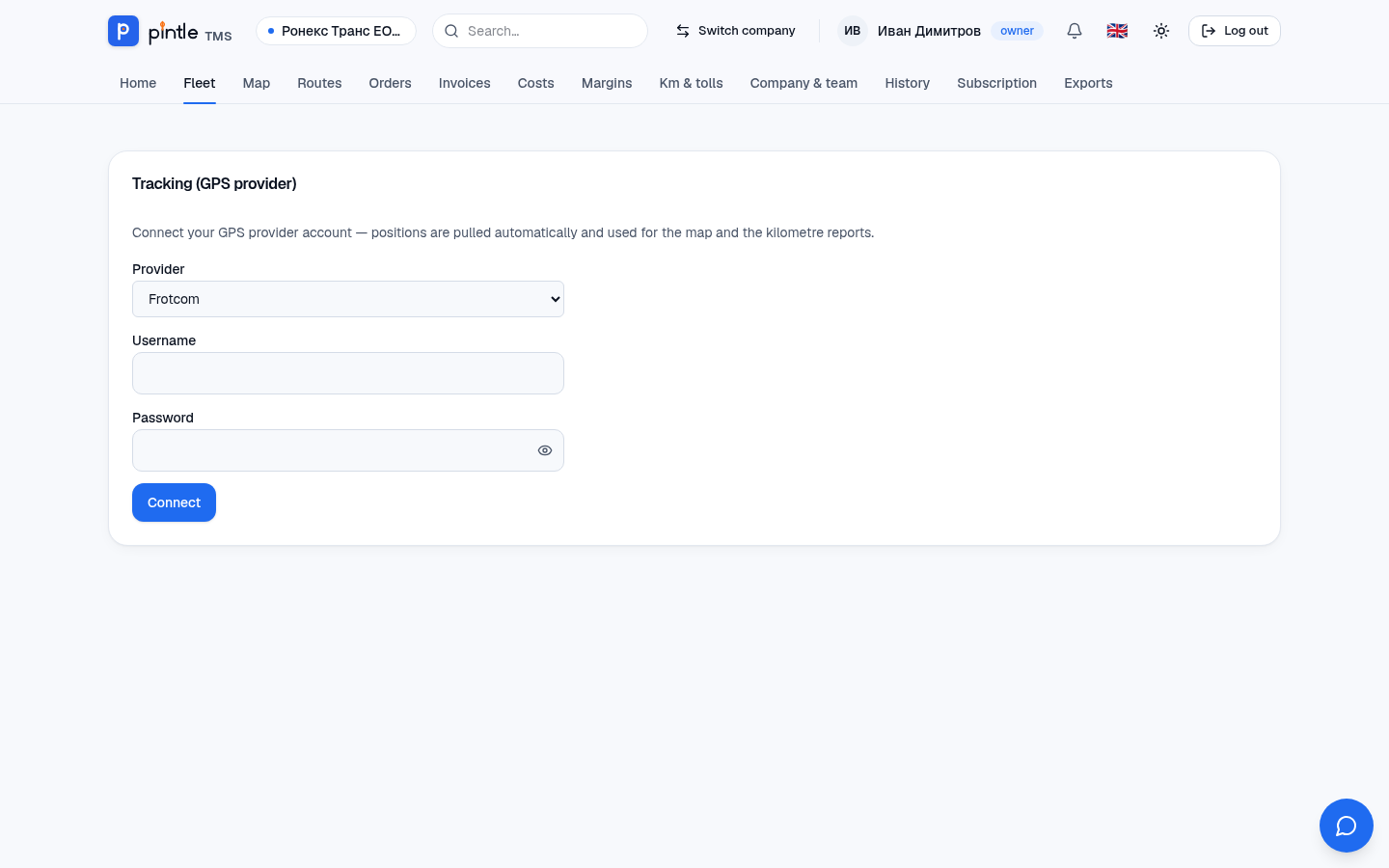
From Fleet → Tracking (GPS provider) you connect your account with Frotcom or Wialon. The system matches the trucks by plate. After that:
- Map shows the trucks with their last position.
- The truck’s page shows the vehicle position.
- Km & tolls works out the kilometres by country.
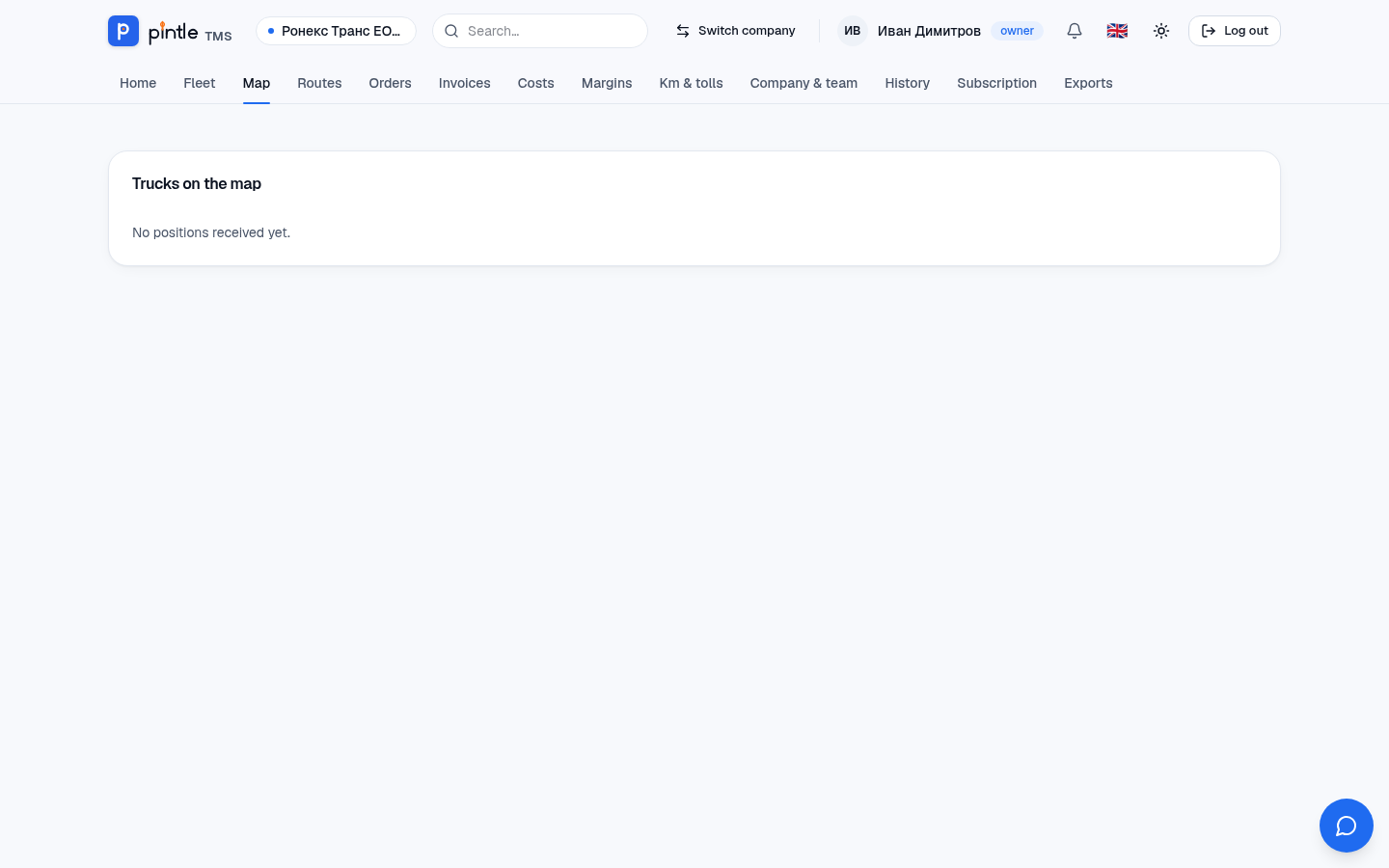
The connection to a GPS provider is being tried with the first customers; it needs access to your account with the provider. The access data is kept encrypted.