Reports and exports
The monthly report
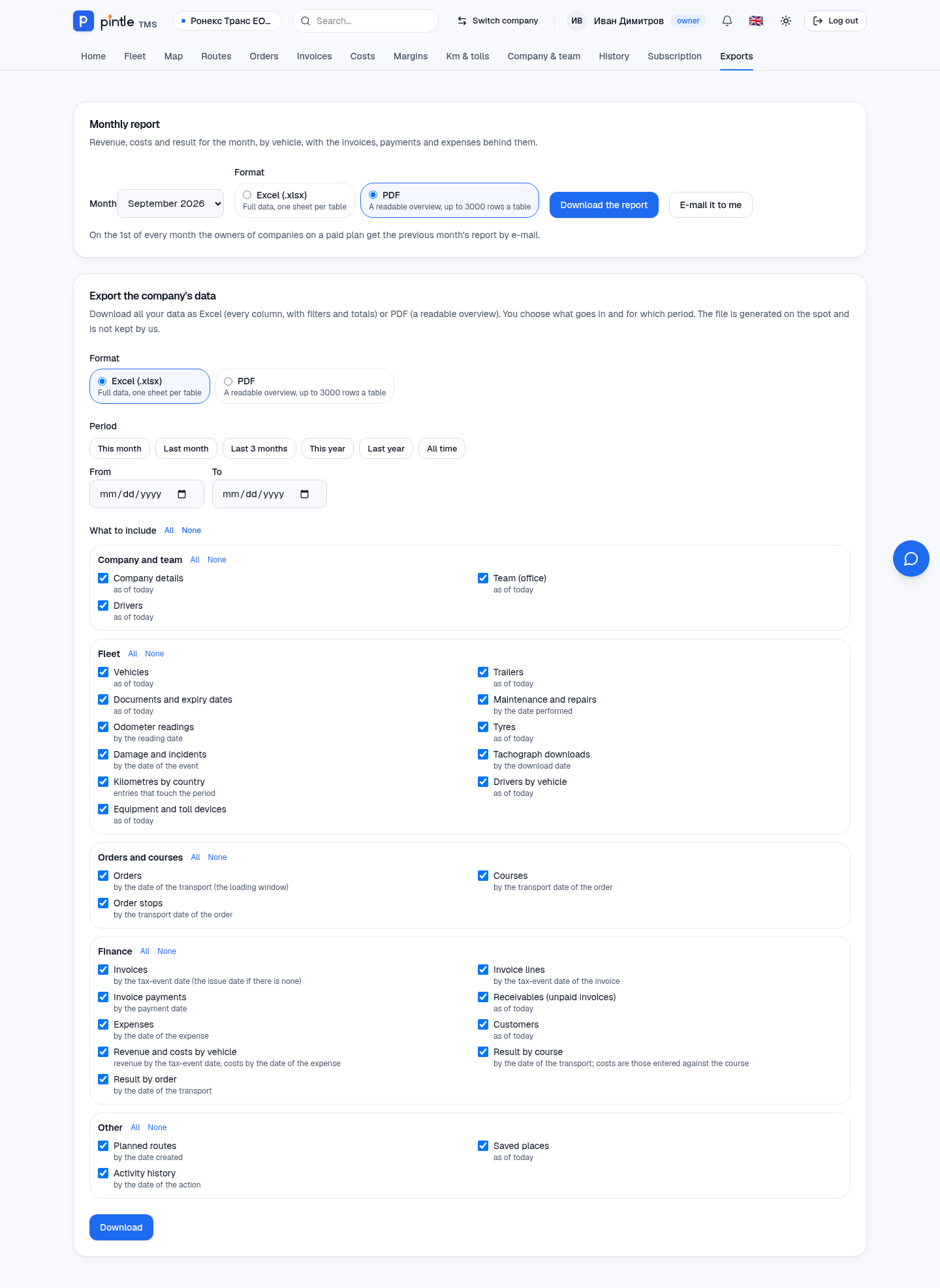
Section titled “The monthly report”In Exports → Monthly report choose the month and the format (Excel or PDF) and press Download the report. The report gathers the income, costs and result of the month by vehicle, together with the invoices, payments and expenses behind them.
With E-mail it to me you get it in your mailbox. On the 1st of every month the owners of companies on a paid plan get the report for the previous month automatically.
Export of the company’s data
Section titled “Export of the company’s data”The Export the company’s data block downloads whatever you want, as Excel (all columns, with filters and totals) or PDF (a readable overview up to 3000 rows).
- Choose the format.
- Choose the period: this month, last month, the last 3 months, this year, last year, the whole history — or your own dates.
- Tick what to include: company data, team, drivers; vehicles, trailers, documents, maintenance, mileage, tyres, damage; orders, courses, stops; invoices, payments, expenses, receivables, customers, result by order; routes, places, the history of actions.
- Press Export.
The file is generated on the spot and is not kept by us.
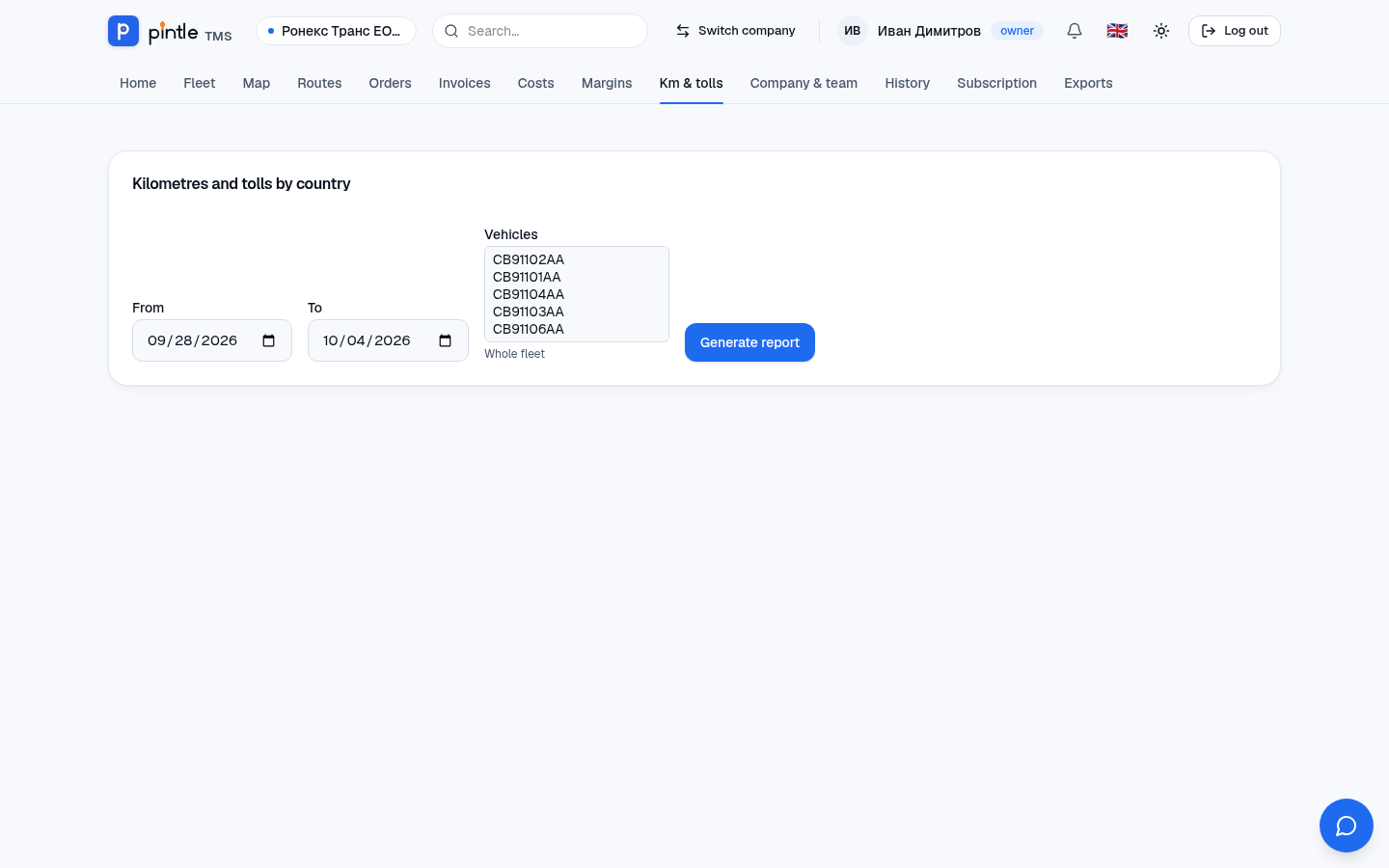
Kilometres and tolls by country
Section titled “Kilometres and tolls by country”Km & tolls shows the kilometres driven by country for a chosen period, for chosen trucks or for the whole fleet — by day, week, month or year. The data comes from the connected GPS system (Routes and GPS).